Dedicated, format-locked workflow
Convert JPG to PNG without false quality promises
Create a lossless PNG copy of the pixels that remain in your JPG. Files are signature-checked and processed in memory.
Conversion settings
Lossless raster output with alpha transparency support.
Locked: JPG / JPEG → PNG
Drop images here or choose files
JPG / JPEG input only · 50MB each · 20 files per batch
Why this workflow exists
PNG is useful when an editor or upload form explicitly requires PNG.
A PNG working copy avoids adding another round of JPEG compression during later saves.
PNG gives you an alpha channel, which a JPG does not have — necessary if you intend to cut out a background afterwards.
What PixelConvert does with a JPG / JPEG file
The server confirms the file really is JPEG by reading its signature bytes rather than trusting the extension, decodes it to a full pixel grid, and re-encodes that grid as an optimized PNG. Nothing is written to a permanent user-file store, and the 50MB ceiling applies per file.
Because PNG is lossless, the output preserves the decoded JPG exactly — including every compression artifact the JPG already contained. That is the correct behavior and it is also the reason this conversion cannot improve an image.
What this conversion actually does to your image
Opening a JPG hands the decoder a complete grid of pixel values. Whatever JPEG discarded when the file was first created is not in that grid and is not anywhere else in the file. Encoding the grid as PNG stores it perfectly, artifacts and all.
This is worth being blunt about because the opposite claim is everywhere. Converting to PNG does not sharpen a soft photo, undo blocky compression, or recover texture. It changes how the pixels are stored, not which pixels exist.
Expect the file to get much larger
In our measured test, the same 1200×800 scene was 68,917 bytes as JPEG quality 85 and 826,866 bytes as PNG — roughly twelve times the size at identical dimensions. A PNG made from a JPG is typically in that territory.
There is an additional cost specific to this direction. PNG compresses by finding orderly, repeating patterns, and JPEG artifacts are neither orderly nor repeating. The ringing around edges and the faint block boundaries are exactly the kind of local noise PNG handles badly, so you pay extra bytes to store the damage.
When it is the right move
Convert when a form or application requires PNG and will reject a JPG. Convert before a round of editing, so that cropping, annotating, and re-saving do not each add another generation of loss. Convert when you need an alpha channel available so an editor can remove the background.
Do not convert a photo library to PNG as an archival strategy. It multiplies storage roughly tenfold and preserves nothing the JPGs did not already contain. Archive the originals instead.
Verified format differences
| Property | JPG / JPEG source | PNG result |
|---|---|---|
| Compression | Lossy photo compression | Lossless DEFLATE compression |
| Transparency | Not supported | Supported, but none is invented |
| Typical size | 68,917 bytes in our 1200×800 test | 826,866 bytes for the same pixels |
| Best fit | Sharing photographs | Editing or PNG-only uploads |
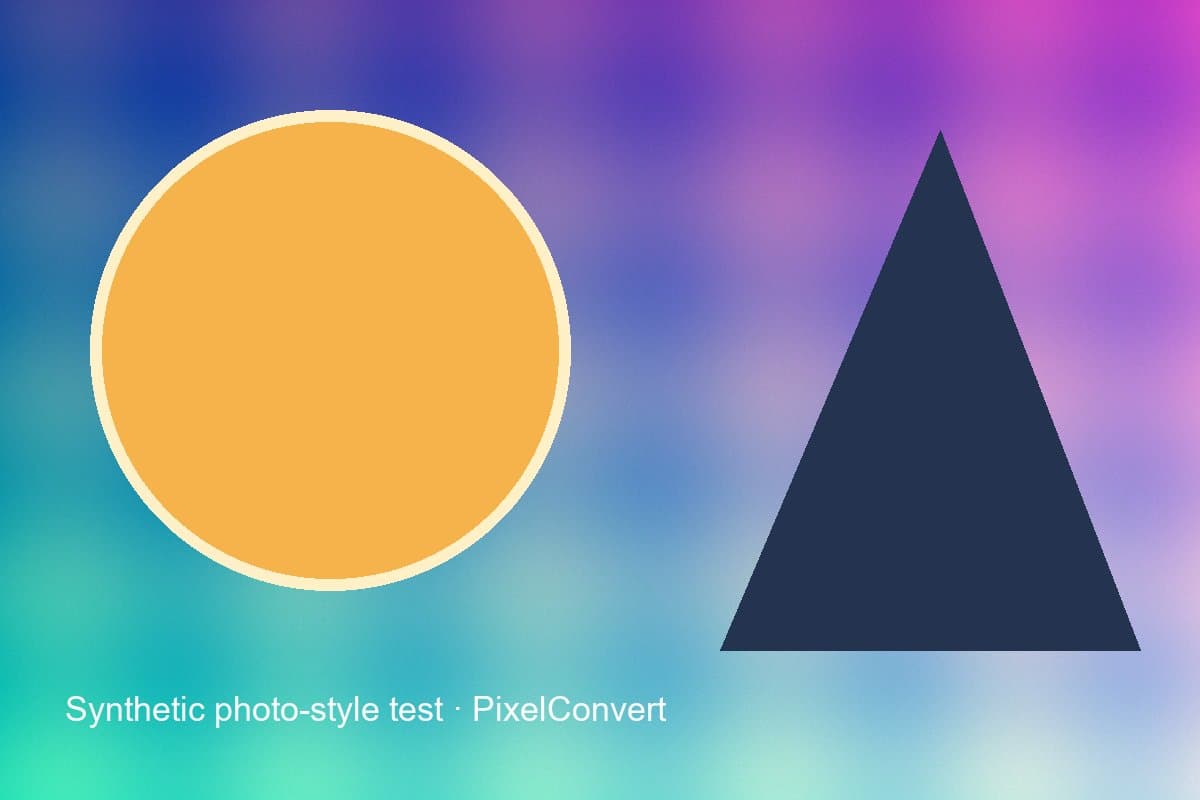
Measured PixelConvert evidence
A reproducible result, including what failed
Last tested: 2 September 2026 · current Chromium desktop and 390 px mobile viewport
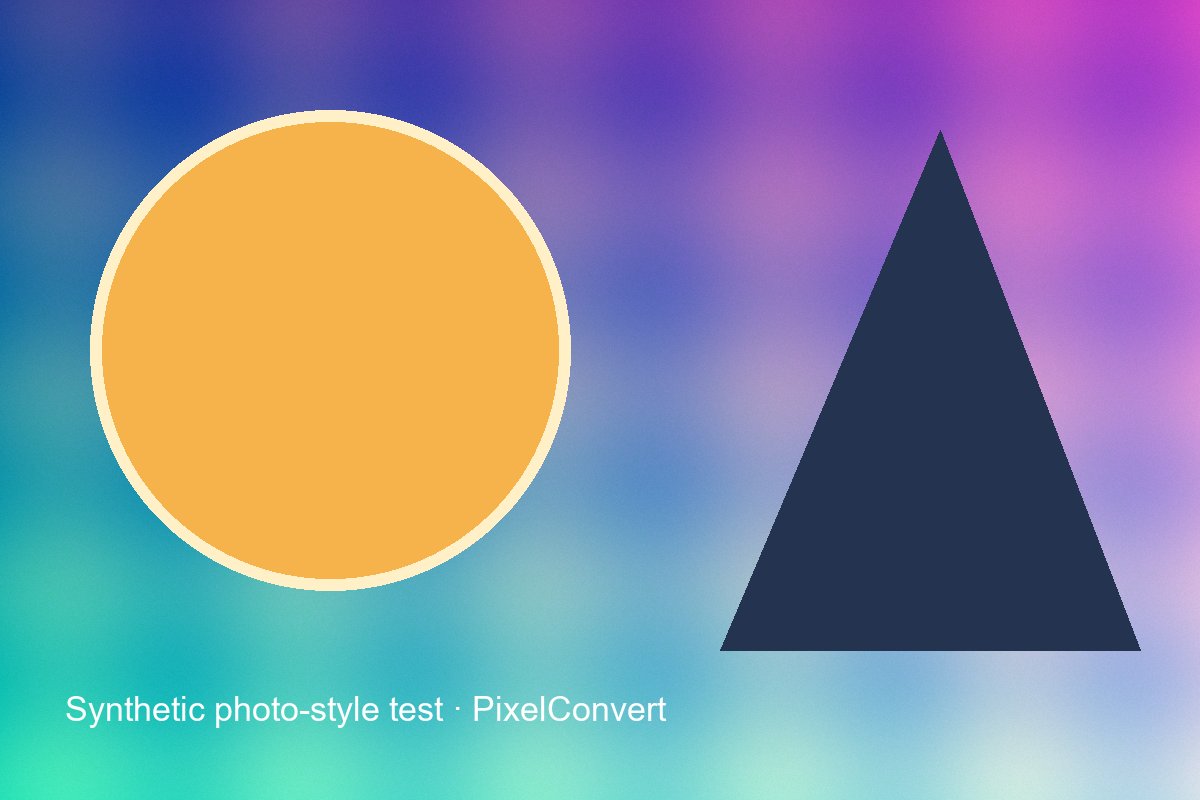
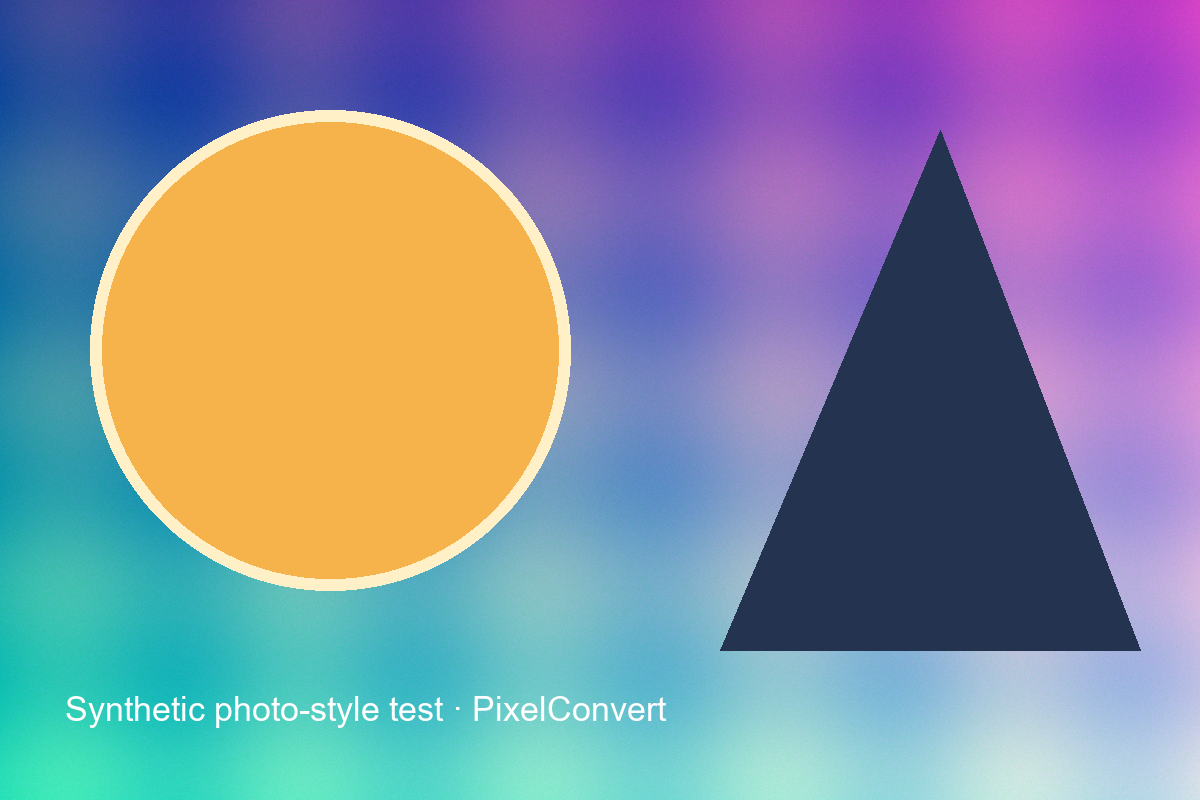
A deterministic 1200×800 scene was encoded as progressive JPG at quality 85. Its 68,917-byte JPG can be converted to PNG, but the PNG can only preserve the pixels decoded from that JPG—it cannot restore the pre-JPEG detail or invent transparency.
- JPG source
- 1200×800 · 68,917 bytes · quality 85
- Original-pixel PNG
- 1200×800 · 826,866 bytes
- Restored detail
- None
Known limits
- The PNG measurement is an encode of the pre-JPEG synthetic pixels, not a claimed universal output size.
- File size is content- and encoder-dependent; a larger PNG does not mean the source gained information.
How to use JPG to PNG
- Step 1Add one or more genuine JPG/JPEG files.
- Step 2Confirm PNG is the locked output.
- Step 3Convert, inspect the result, and download one file or a ZIP.
Good use cases
- A portal requires a .png extension
- A screenshot or graphic needs lossless follow-up edits
- A design application will not import the JPG workflow you have
- You need an alpha channel before cutting out a background
Limitations to check
- Conversion cannot restore detail removed by earlier JPEG compression.
- JPG contains no transparency, so conversion does not create a transparent background.
- Photographic PNG files are commonly larger than their JPG sources.
Questions answered
- Does JPG to PNG improve image quality?
- No. It preserves decoded JPG pixels without recovering discarded detail. Every artifact in the JPG is carried into the PNG exactly.
- Does it remove the background?
- No. Background removal is a separate editing task. The conversion gives you an alpha channel to work with; an editor does the removal.
- Why is my PNG so much bigger?
- PNG is lossless, so it stores every pixel including compression artifacts. Our measurement showed 68,917 bytes as JPG against 826,866 as PNG for the same 1200×800 scene.
- Is there any point converting at all?
- Yes, for three reasons: satisfying a PNG-only requirement, preventing further loss across repeated edits, and obtaining an alpha channel. None of them is quality improvement.
- Can I convert back to JPG afterwards?
- You can, but each JPEG encode is lossy, so a JPG-to-PNG-to-JPG round trip is worse than the original JPG. Keep the original if you might need it.
Troubleshooting JPG to PNG
The PNG looks exactly as soft as the JPG did
Why: This is expected. The conversion preserves decoded pixels and cannot restore detail JPEG discarded.
Fix: Find a higher-resolution original or re-export from whatever produced the file. No format change will sharpen it.
The PNG is enormous
Why: PNG is lossless and photographic content compresses poorly without loss.
Fix: If size matters more than losslessness, stay with JPG, or use WebP which supports both lossless and lossy modes.
The background is still there
Why: A JPG contains no transparency for a converter to preserve, so the PNG is fully opaque.
Fix: Convert to PNG for the alpha channel, then remove the background in an image editor. Conversion enables it; it does not perform it.