Evidence, not format folklore
PixelConvert testing and editorial methodology
This page explains how Prashantkumar Kishanrao Sundge tests PixelConvert and turns results into public guidance. Last reviewed 1 September 2026.
Two kinds of guide, labelled on every article
Not every useful question about images can be answered with a measurement from this repository. Rather than blurring the line, PixelConvert publishes two clearly separated kinds of guide and marks which one you are reading in the header of the article and on every card in the guides index.
Measured guides
Report a result produced by the deterministic corpus described below. The article names the input dimensions, byte sizes, encoder settings, library version, and capture script, and the test files are downloadable so the measurement can be repeated.
Reference guides
Explain published specifications, standards, or platform rules, with every factual claim attributed to a cited source. They carry no evidence block and no methodology block, and they state in place of one that no in-house measurement is being reported.
A reference guide is never presented as a measurement, and a measured guide never cites a specification in place of testing something it claims to have tested. Where a reference guide describes behavior this project has not verified against its own corpus, that gap is named in the article’s limitations.
Original test corpus
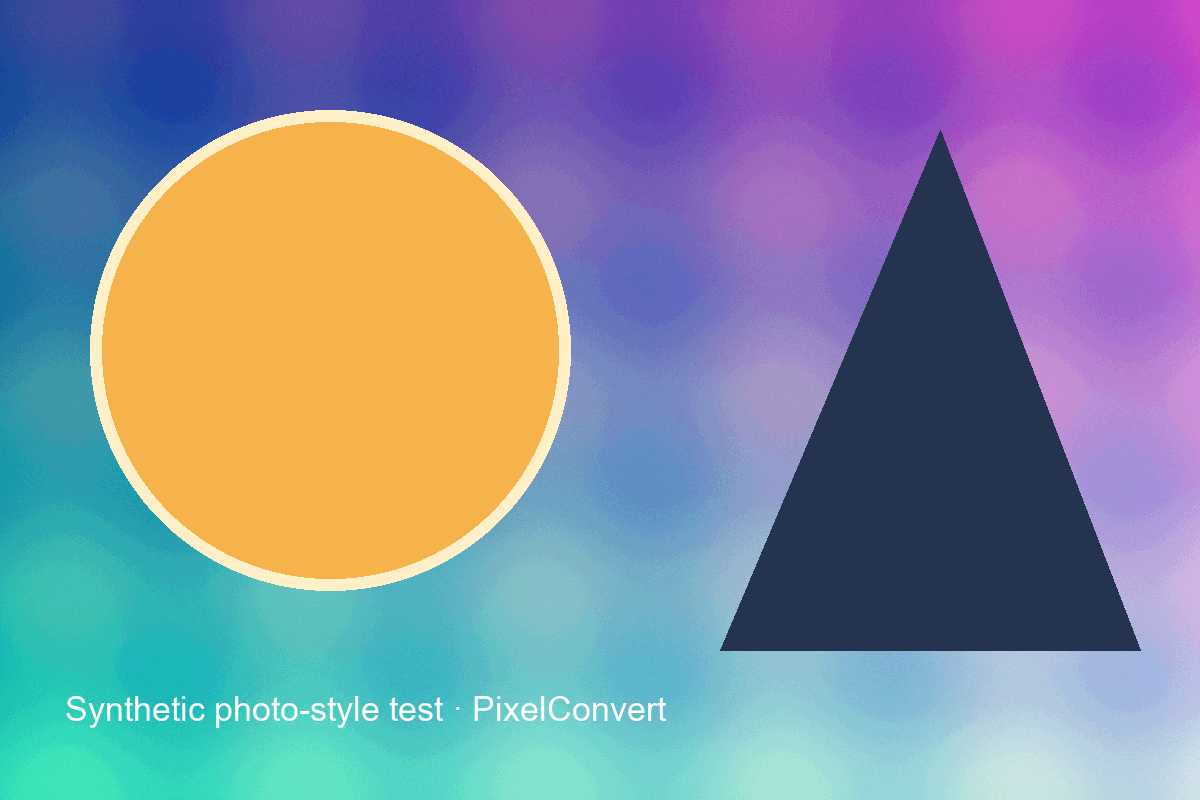
The repository includes a deterministic generator for photo-style gradients and noise, sharp text, transparent shapes, an EXIF orientation case, a multi-page TIFF, and a multi-resolution ICO. The images use code-drawn geometry and text; no stock photos, copied logos, or third-party creative assets are used.
Conversion measurements
Measurements record the input pixel dimensions, output pixel dimensions, byte size, relevant encoder settings, frame policy, metadata behavior, and warnings. Results describe one controlled file and encoder version; they are not advertised as universal compression percentages or quality guarantees.
The generator currently records Pillow 12.3 outputs. Production raster conversion uses Pillow and pillow-heif; SVG tracing uses vtracer. Backend tests cover file signatures, corrupt input, decoded-pixel ceilings, orientation, transparency, fit/crop behavior, maximum-size feasibility, multi-frame warnings, ZIP limits, and tracing parameters.
Browser and device checks
Release checks target a current Chromium desktop browser and a 390-pixel mobile viewport. The single-file iOS Safari path uses a data URL because blob-URL downloads can behave differently there. Batch output uses one server-generated ZIP so it does not depend on a blocked loop of download prompts.
Some browsers cannot preview HEIC or TIFF locally. The preflight states when dimensions or transparency will be confirmed during server preparation instead of inventing a value.
Privacy model
Client preflight runs in the browser. When the user requests conversion or preparation, the backend reads the upload into memory, validates and decodes it, writes the result into an in-memory buffer, and streams it back. ZIPs are also created in memory. PixelConvert does not provide accounts or a permanent user-file store.
Known limitations and corrections
- HEIC is input-only; SVG is output-only.
- Animated images and multi-page TIFF files currently export the first frame.
- SVG tracing approximates raster regions and is not suitable for every photograph.
- Client metadata detection is informative, not forensic.
- Color-managed and archival workflows should retain their originals.
Corrections are dated and applied to both the guide and relevant tool copy. Report a reproducible problem to support@pixelconvert.net with a non-sensitive test file or steps. See Contact for the support scope.