Measured guide · in-house test data
Does Converting JPG to PNG Improve Image Quality?
No: converting a JPG to PNG does not improve the information already present. It decodes the JPG and stores those decoded pixels with lossless PNG compression. That can prevent a new JPEG loss during later saves, but it cannot reconstruct detail removed earlier.
By Prashantkumar Kishanrao Sundge · Published · Reviewed
What this guide establishes
- Converting JPG to PNG cannot restore anything. The discarded information is not stored anywhere in the JPG for a converter to find.
- It does stop further loss. A PNG working copy will not degrade across repeated saves the way a JPG does.
- The file usually gets much larger — in our measurement, 68,917 bytes became 826,866 as PNG for the same scene.
- PNG cannot invent transparency. A JPG has no alpha data, so the converted PNG has an opaque background.
- Convert when a tool or form requires PNG, or before a round of editing. Do not convert expecting a sharper image.
Separate encoding from image information
JPEG represents a photo with lossy compression. Once the source is decoded, blocked edges, ringing, and missing fine texture are part of the available pixel image. PNG can represent those pixels exactly, including the artifacts, but it has no hidden source from which to recover detail.
This makes JPG-to-PNG useful for a PNG-only upload rule or a working copy that will receive annotations. It does not make a low-resolution or heavily compressed photo sharper.
The clearest way to think about it: a format is a container and a compression method, not a quality level. Converting between formats changes how the pixels are stored. It does not change which pixels exist. When you open a JPG, the decoder hands your software a complete grid of pixel values — and that grid, artifacts included, is the entire image. PNG then stores that grid faithfully. There is no second, better version of the image hiding inside the file.
What JPEG actually threw away, and why it is gone
JPEG compression divides the image into small blocks, converts each block from pixel values into frequency coefficients, and then quantises those coefficients — dividing them by values from a table and rounding. The rounding is the lossy step. Coefficients that round to zero are gone, and dividing by a larger number in the table causes more of them to round to zero. That table is what a quality slider actually controls.
Because the loss happens by rounding, it is not recoverable even in principle. Given the rounded value, there is no way to determine what the original value was — many different originals round to the same result. This is why no software, however sophisticated, can truly undo JPEG compression: the information required to do so was discarded at encode time and is not present in the file.
The visible consequences have names. Blocking is the faint 8×8 grid pattern visible in smooth areas like skies. Ringing, or mosquito noise, is the halo of disturbed pixels around sharp high-contrast edges, especially text. Colour bleeding is the smearing of colour across edges, caused by JPEG storing colour information at lower resolution than brightness. All three are now part of the pixel grid, and PNG will preserve every one of them perfectly.
Why the byte count often increases
In the synthetic photo test, the original RGB scene was 68,917 bytes when encoded directly as JPEG quality 85 and 826,866 bytes as PNG. A PNG made from the JPEG would losslessly preserve the decoded JPEG—including its compression decisions—and is still likely to be much larger.
More bytes do not automatically mean more visual information. They may reflect a different compression method applied to the same decoded pixels.
There is an additional irony worth knowing. PNG compresses by finding patterns and repeated runs of pixels, and it works best on smooth, orderly data. JPEG artifacts are neither smooth nor orderly — the ringing around edges and the block boundaries introduce exactly the kind of local noise that PNG compresses badly. So a PNG made from a heavily compressed JPG can be larger than a PNG made from the clean original would have been. You pay extra bytes to store the damage.
What conversion genuinely gives you
The real benefit is stopping the bleeding. Once the image is a PNG, every subsequent save is lossless. If you are about to crop, annotate, adjust, and re-save an image several times, doing that work on a PNG means the artifacts you already have are the only artifacts you will ever have. Doing it on a JPG means each save adds another generation of loss on top.
The second benefit is compatibility with tools and rules that require PNG. Some upload forms accept PNG only. Some design and documentation tools handle PNG more predictably. Some workflows need a format with an alpha channel available even if the current image does not use it — for example, if you are about to cut out a background and need somewhere to put the transparency.
That last case is the one where converting first is genuinely correct. You cannot add transparency to a JPG; the format has no alpha channel. Converting to PNG gives you a canvas that can hold transparency, and then an editor can remove the background. The conversion does not do the removal — it makes the removal possible.
What people usually want instead
Most people asking whether JPG to PNG improves quality actually want one of three different things, and it helps to name which.
If you want a sharper image: you need a better source. A higher-resolution original, a re-export from whatever produced the file, or a fresh capture. If none exists, an upscaling tool can produce a larger, smoother-looking image, but it is inventing plausible detail rather than recovering real detail — useful for display, not for anything where accuracy matters.
If you want a smaller file: converting to PNG is the wrong direction entirely, as the measurements above show. Re-encoding the JPG at a lower quality, or converting to WebP, reduces size. Our Upload-Ready Image Builder searches for the highest quality that fits a byte ceiling, which is usually the specific thing people need.
If you want a transparent background: you need an editing step, not a conversion step. Convert to PNG so there is an alpha channel available, then remove the background in an image editor. A converter alone will produce an opaque PNG with the background intact.
When to use the conversion
Convert when a tool explicitly requires PNG, when a lossless intermediate is helpful, or when your next editor cannot use JPG for the intended workflow. Keep the JPG if it is the best available original and store the PNG as a separate derivative.
If you need a transparent background, use an editor or background-removal process. A JPG has no alpha data for a converter to preserve.
Do not convert an entire photo library to PNG as an archival strategy. It multiplies your storage requirement by roughly an order of magnitude and preserves nothing that the JPGs did not already contain. Archive the original files as they came off the camera; that is genuinely the best available version.
How to check this yourself
You do not have to take any of this on trust. Download the two measured files below, open both at 100% zoom, and compare them side by side. The 826,866-byte PNG is an encode of the original pre-JPEG pixels — the best case the format can offer. The 68,917-byte JPG is the quality-85 encode of those same pixels.
Now do the experiment that settles the question: convert the JPG to PNG yourself, using our converter or any other tool. Compare that result against the original-pixel PNG. It will be roughly the same size or larger, and it will contain the JPG's artifacts — because it was made from the JPG. The gap between it and the original-pixel PNG is exactly the information JPEG discarded, and no conversion closes that gap.
Zoom to 400% on the high-contrast edges in each file to see the ringing clearly. That halo is what the format threw away, rendered visible.
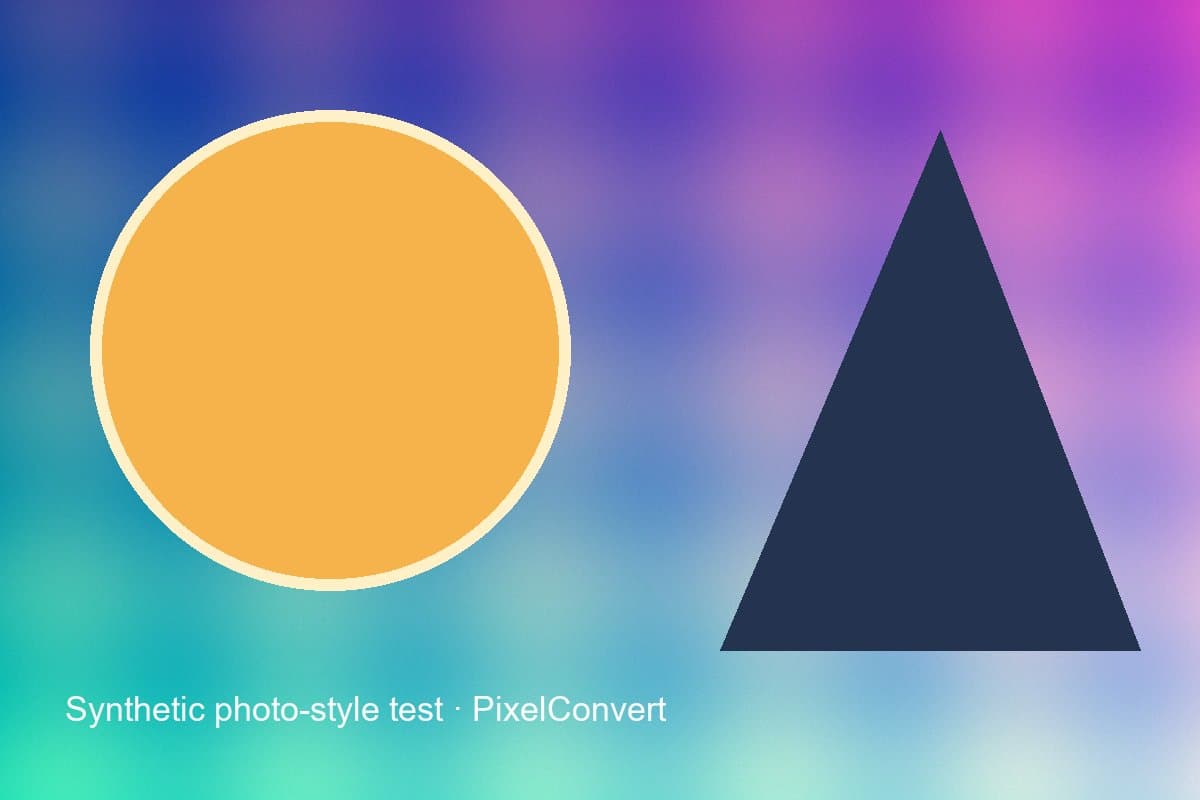
JPEG quality-85 output from the original synthetic pixel scene. A PNG conversion can preserve this decoded result, but not the pre-JPEG detail that the encoder discarded.
- JPEG output
- 68,917 bytes
- Original-pixel PNG
- 826,866 bytes
- Recovered detail
- None
Reproduce the test
These deterministic PixelConvert files contain no personal photos or third-party artwork. Download them to repeat the measurements or test another workflow.
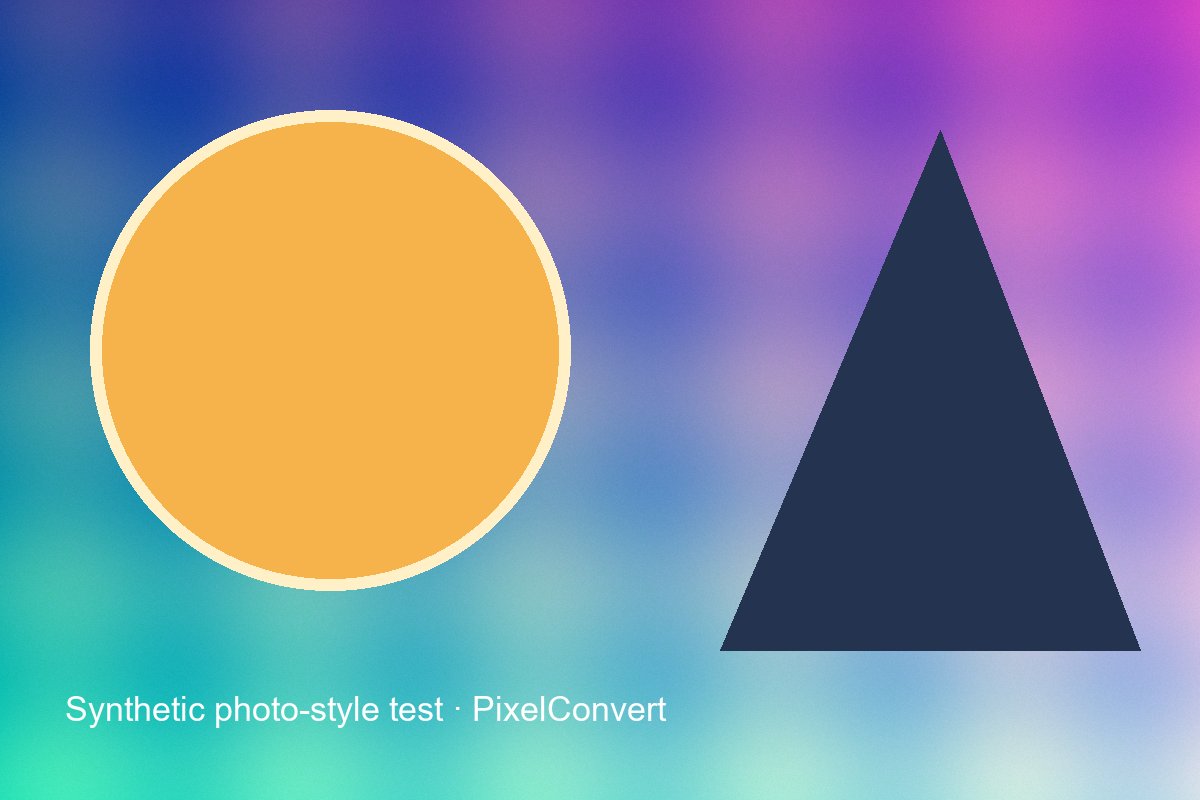
- Download the quality-85 JPG ↓
68,917-byte progressive JPEG used as the visible source.
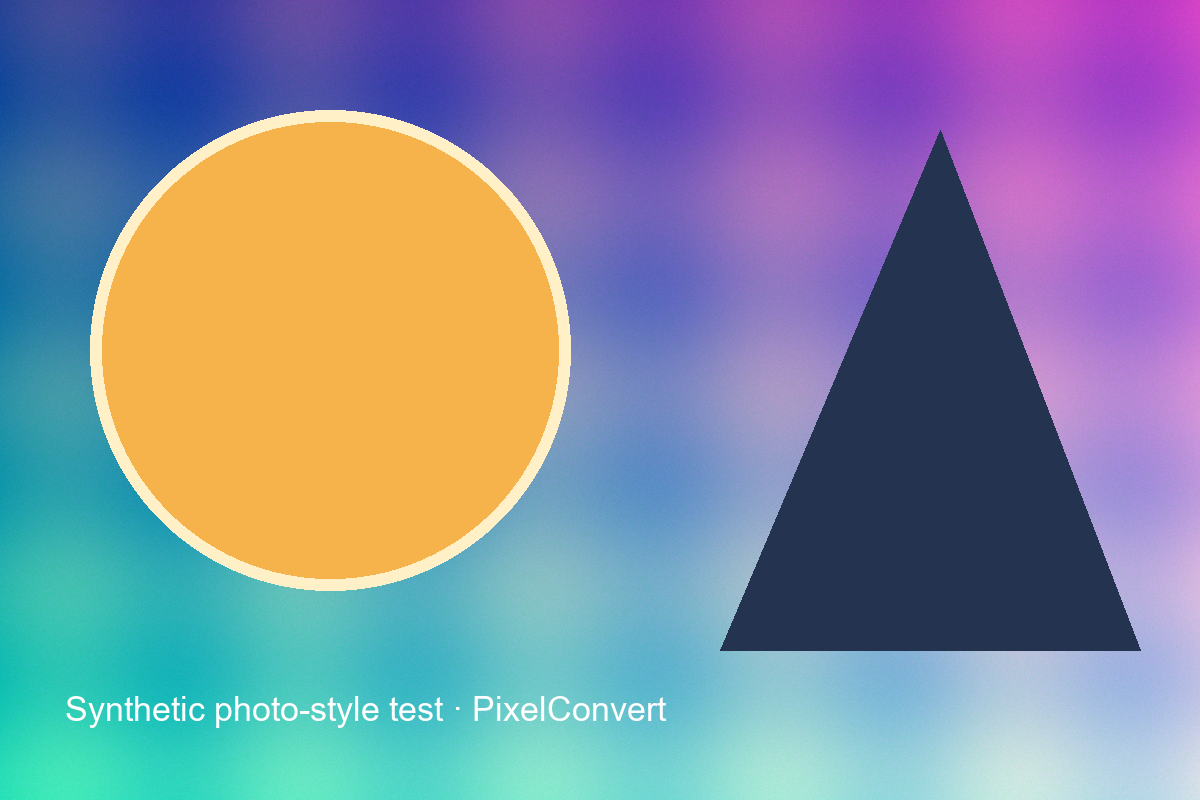
- Download the original-pixel PNG ↓
826,866-byte lossless encode of the pre-JPEG synthetic pixels.
Browser and failure checks
- Current Chromium desktop
- Both files render at 1200×800; the larger PNG does not reveal detail discarded by the displayed JPG.
- 390 px mobile viewport
- The evidence image scales within the article while the byte measurements remain readable.
- Failure example
- Creating a PNG from the JPG cannot infer transparency or reconstruct pre-compression texture; the page states both limits before conversion.
How this was tested
Both files were produced from the same deterministic 1200×800 RGB image with Pillow 12.3. The comparison isolates encoding size; it does not claim that one quality setting represents every JPEG encoder.
Read the full PixelConvert methodology →Limitations
- The displayed PNG measurement comes from the original pixels, not a second-generation JPEG decode, making it a conservative illustration of PNG size rather than a byte-for-byte JPG-to-PNG result.
- Visual quality requires human inspection at intended display size.
- The description of JPEG quantisation is a summary of the standard's behavior, not a complete account of every encoder's implementation choices.
Frequently asked questions
- Does converting JPG to PNG improve image quality?
- No. The conversion stores the already-decoded JPG pixels losslessly. Every artifact present in the JPG is carried into the PNG exactly. Nothing is recovered because the discarded information is not present in the file to recover.
- Then why would anyone convert JPG to PNG?
- To stop further loss during editing, to satisfy a tool or upload form that requires PNG, or to obtain an alpha channel so a background can be removed in an editor afterwards. All three are real reasons; improving quality is not one of them.
- Why is my PNG so much larger than the JPG?
- PNG is lossless, so it stores every pixel including the compression artifacts. In our measurement the same scene was 68,917 bytes as JPG and 826,866 as PNG. Heavily compressed sources can make it worse, because JPEG artifacts are noisy and PNG compresses noise badly.
- Will converting to PNG give me a transparent background?
- No. A JPG contains no transparency data, so there is nothing for the converter to preserve. The output PNG will be fully opaque. Removing a background is a separate editing task.
- Is there any way to undo JPEG compression?
- Not truly. JPEG loses information by rounding during quantisation, and rounding cannot be reversed — many different original values produce the same rounded result. Some tools reduce the visibility of artifacts by smoothing them, which is cosmetic repair, not recovery.
- Should I convert my photo archive to PNG to protect it?
- No. It would multiply storage by roughly ten times while preserving nothing the JPGs do not already contain. Archive the original camera files; those are the best available version.
Revision note: Reviewed 11 September 2026: added an explanation of JPEG quantisation and why its loss is irreversible, the artifact-storage cost in PNG, what conversion genuinely provides, the three problems people usually mean instead, and a self-verification procedure. Measurements are unchanged from the 2 September 2026 capture.