Measured guide · in-house test data
Why an Image Upload Is Rejected—and How to Fix It
Upload forms often collapse many validation failures into one message. A disciplined preflight avoids unnecessary quality loss: verify the real format first, then byte size, dimensions, aspect ratio, metadata, and finally application-specific rules.
By Prashantkumar Kishanrao Sundge · Published · Reviewed
What this guide establishes
- Check in a fixed order — format, bytes, dimensions, aspect ratio, metadata, then application rules. Guessing costs image quality you cannot get back.
- The filename proves nothing. Validators read the file signature, and a renamed extension fails exactly where the rules are strictest.
- Bytes and pixels are independent constraints. Our sharp-text test was 33,657 bytes as PNG and 49,875 as JPEG q70 at identical dimensions.
- Instant rejection means a browser-side check; rejection after a full upload means a server-side one. The timing tells you where to look.
- Some requirement combinations are impossible. A good tool reports that rather than exceeding the limit silently.
Diagnose in order, not at random
The expensive mistake is compressing repeatedly in the hope that something changes. Every lossy re-encode permanently degrades the image, so a person who compresses five times while guessing ends up with a file that is both still rejected and visibly worse than the one they started with. Diagnosis costs nothing; guessing costs quality.
Work through the constraints in the order they are usually enforced. Format first, because it is the most common failure and the cheapest to check. Then byte size, then pixel dimensions, then aspect ratio, then metadata, and finally anything application-specific such as filename rules or account limits. Each step is independent, and fixing the wrong one has no effect on the others.
One free diagnostic before you begin: watch when the rejection happens. If the form refuses the file the instant you select it, with no upload progress, the check ran in your browser and is almost certainly about the extension or the file size — those are the only things browser-side code can check cheaply. If the file uploads fully and then fails, the server decoded it, and the problem may be dimensions, aspect ratio, metadata, or a decode failure.
Check content, not only the filename
A filename ending in .jpg can still contain HEIC, PNG, or corrupted bytes. Strict forms examine a signature or attempt to decode the file. Renaming an extension is therefore not a conversion.
PixelConvert's preflight reads the signature locally for JPEG, PNG, WebP, HEIC, TIFF, BMP, and ICO. Unsupported or unreadable signatures are rejected before preparation.
Every image format begins with a fixed byte sequence that identifies it. JPEG files start with FF D8 FF. PNG files start with an eight-byte signature beginning 89 50 4E 47. HEIC files carry an 'ftyp' box naming a HEIF brand. These bytes are the file's actual identity, and renaming the file does not touch them.
Two situations produce mismatched files without anyone deliberately renaming anything. A download from a website may save with whatever extension the server's headers implied, which is not always what the bytes contain. And an application that exports 'as JPEG' while actually writing a different format is rarer but does happen. In both cases the file looks correct in a folder listing and fails the moment something reads it properly.
Separate bytes from pixels
A maximum of 500KB describes stored bytes. A requirement of 1200×1200 describes decoded pixels. Quality affects lossy encoding; dimensions affect the number of pixels; image content affects how well those pixels compress.
Fit mode treats width and height as maximums and preserves aspect ratio. Crop mode fills exact dimensions by removing content around a centered crop. Choose crop only when the destination explicitly requires exact dimensions and the subject is centered appropriately.
The measured counterexample below is the clearest illustration of why content matters as much as settings. The same 1200×630 sharp-text image was 33,657 bytes as optimised PNG and 49,875 bytes as JPEG at quality 70. The lossy format produced the larger file, at identical dimensions, while also degrading the text. Anyone applying the rule 'convert to JPG to reduce size' would have made this file both bigger and worse.
Watch for ambiguity in stated limits. A form that says 500 KB may mean 500,000 bytes or 512,000. If you are within a percent of the boundary, target the smaller reading. Similarly, a limit of 2 MB is occasionally enforced against the encoded upload rather than the file on disk, which can differ slightly.
Dimensions and aspect ratio are different rules
A dimension rule constrains how many pixels wide and tall the image is. An aspect-ratio rule constrains the relationship between those two numbers. A form can enforce either, both, or neither, and satisfying one does not satisfy the other.
Read the wording carefully, because three similar-looking phrasings demand different operations. 'Maximum 1200×1200' means fit inside those bounds; a 3:2 photo becomes 1200×800 and stays whole. 'Must be 1200×1200' means the canvas has to be exactly square, which requires cropping or padding. 'Minimum 1200×1200' means do not go below that, and if your source is smaller you have a genuine problem — upscaling adds pixels but no detail, and some validators detect the resulting softness.
Aspect-ratio rules usually appear for banners, profile photos, and product listings. A requirement of 16:9 does not tell you the size, only the shape. If your source is a different shape, you must crop, pad, or reshoot; scaling alone cannot change an aspect ratio without distorting the image, and no reputable tool will stretch it for you silently.
Handle privacy and feasibility
Some workflows reject files carrying unusual metadata or unsupported color information. Prepared outputs are rebuilt without EXIF/GPS data and with orientation applied. The local check reports detectable metadata categories but does not upload anything until you press Prepare.
Not every combination is feasible. A detailed lossless PNG at exact dimensions may not fit a tiny byte ceiling. PixelConvert returns a clear 422 response instead of quietly exceeding the limit.
That behavior is deliberate and worth understanding. When a tool cannot satisfy your requirements, there are three possible responses: exceed the limit and let the form reject it, silently change something you specified and let a later check catch it, or refuse and say why. Only the third is useful. A file that quietly came out at 1180×1180 when you asked for 1200×1200 will fail a dimension check you believed you had passed, and you will not know why.
When you hit a genuine impossibility, the escapes are: simplify the image content, since a busy background is what makes a file incompressible; check whether the dimension requirement is truly exact; or check whether a different accepted format fits where JPEG could not.
Corrupt and partially written files
A file that will not decode at all is a different problem from one that decodes but breaks a rule. Corruption usually comes from an interrupted transfer, a failing storage device, a download that stopped partway, or a file recovered from a damaged card.
The symptom is distinctive: the image may show a partial picture with the remainder grey or garbled, or it may fail to open in some applications while opening in others. Different decoders have different tolerance for malformed data, which is why a file can look fine in one viewer and be rejected by a server.
The fix is to obtain the file again from its source rather than to convert it. Converting a partially corrupt file usually produces a partially corrupt output, and re-saving it can make the damage permanent by discarding whatever recoverable structure remained. If the original is genuinely gone, some recovery tools can salvage the decodable portion, but the missing data is missing.
When the form is enforcing something undocumented
Occasionally every visible rule is satisfied and the upload still fails. At that point stop modifying the image, because further compression cannot fix a constraint you have not identified.
Common undocumented rules include: a minimum dimension that is never stated; a rejection of CMYK or unusual colour profiles, which appear in files that have been through print workflows; a filename restriction on spaces, non-ASCII characters, or length; a total-storage or per-account upload limit unrelated to this file; and progressive-JPEG rejection by some older validators that only handle baseline encoding.
The colour-profile case is worth testing for, because it is invisible and easy to fix. Re-saving the image as a plain sRGB file — which is what PixelConvert produces — resolves it. Trying a baseline rather than progressive JPEG is a second cheap experiment.
If none of that works, contact the organisation and ask what the requirements are. That is faster than continuing to guess, and it is information they should be able to provide.
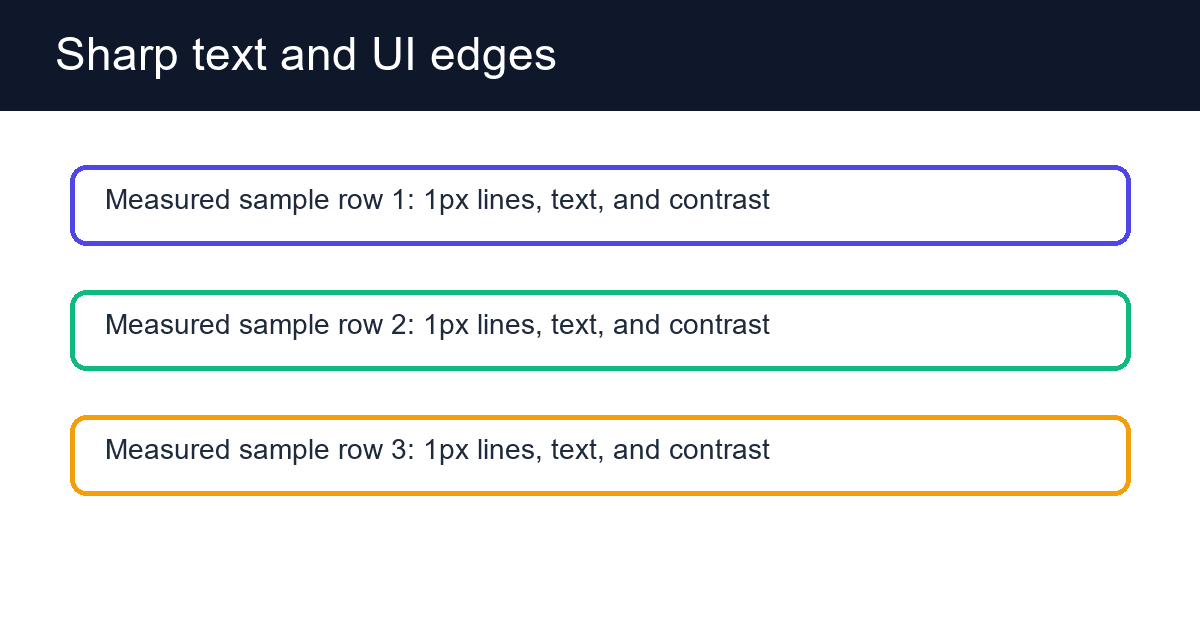
A 1200×630 sharp-edge corpus image used to demonstrate why content affects file size and why lossy compression may harm text.
- PNG
- 33,657 bytes
- JPEG quality 70
- 49,875 bytes
- Lesson
- JPG was larger for this flat graphic
Reproduce the test
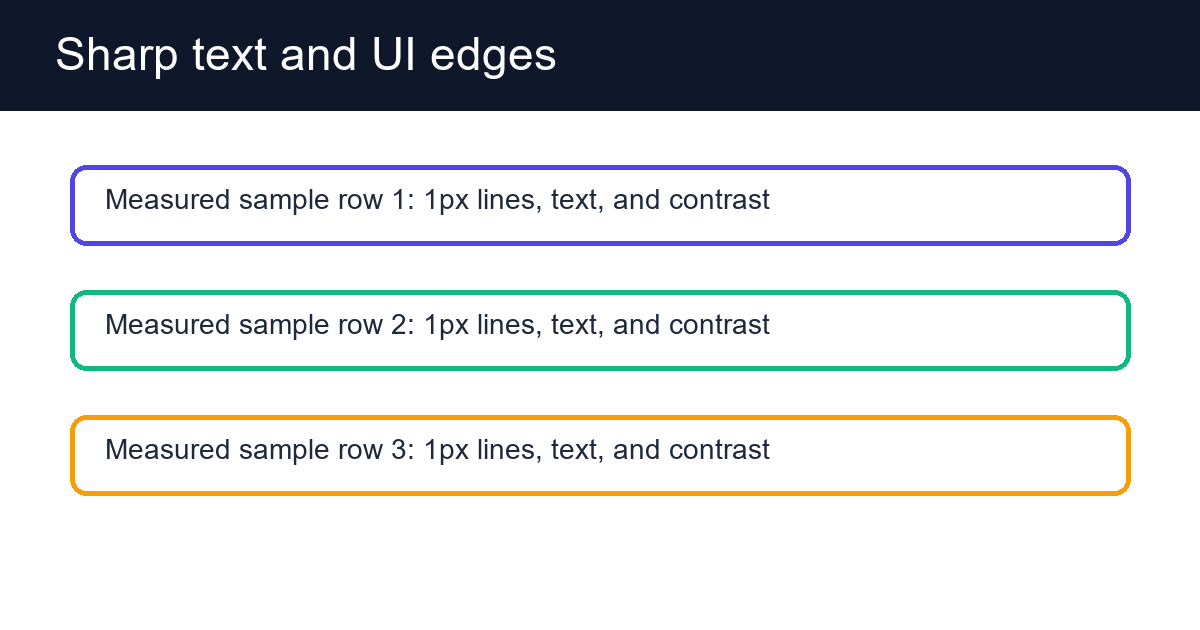
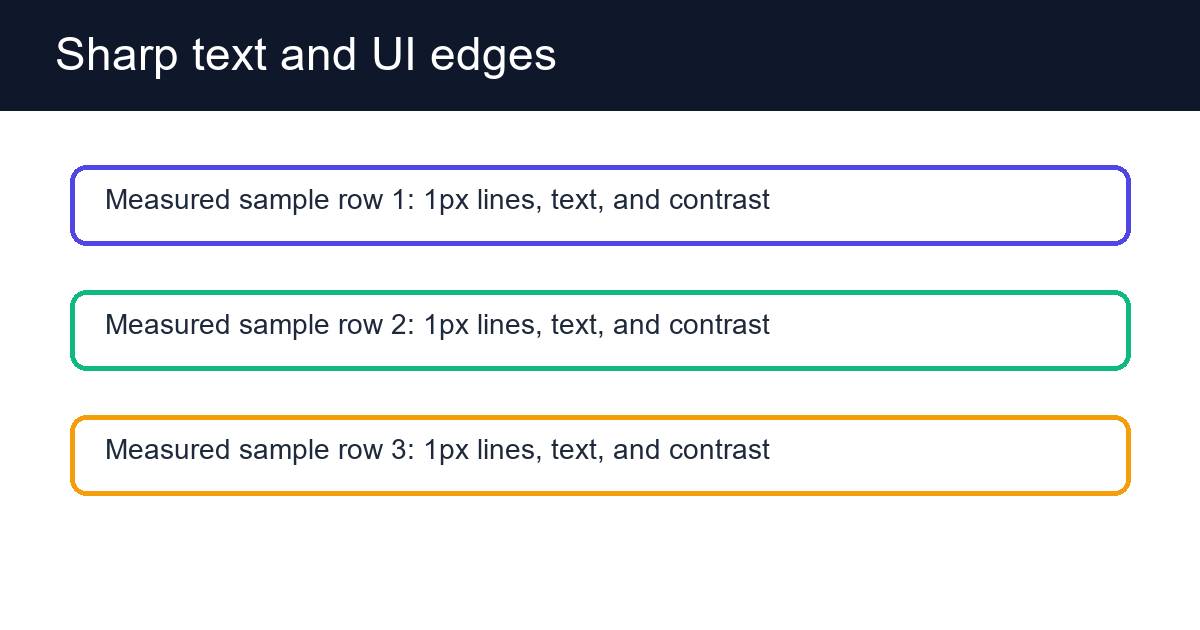
These deterministic PixelConvert files contain no personal photos or third-party artwork. Download them to repeat the measurements or test another workflow.
- Download the sharp-text PNG ↓
33,657-byte lossless synthetic upload test.
- Download the quality-70 JPG ↓
49,875-byte lossy derivative at identical 1200×630 dimensions.
Browser and failure checks
- Current Chromium desktop
- Local preflight reports the PNG signature, 1200×630 dimensions, 33,657 bytes, and no detected EXIF/GPS categories.
- 390 px mobile viewport
- Requirement fields, pass/fail explanations, prepare action, and result summary remain operable in a single-column layout.
- Infeasible fixed output
- When lossless PNG optimization cannot satisfy a fixed byte limit without changing exact dimensions, the API returns an actionable 422 instead of exceeding the requested maximum.
How this was tested
The same RGB pixels were saved as optimized PNG and optimized JPEG quality 70. The counterexample demonstrates that 'JPEG is always smaller' is not a valid upload-preparation rule.
Read the full PixelConvert methodology →Limitations
- Client-side metadata detection is intentionally conservative and cannot parse every vendor-specific field.
- A form may enforce undocumented moderation or account rules unrelated to the image.
- The list of undocumented validator behaviors is drawn from common patterns and is not exhaustive for any particular site.
Frequently asked questions
- What should I check first when an upload is rejected?
- Format. It is the most common cause and the cheapest to verify. Then byte size, then dimensions, then aspect ratio, then metadata, then application-specific rules. Fixing them in order avoids degrading the image while guessing.
- Why does my file fail when the extension is correct?
- Because the extension is a label, not the content. Validators read the file's signature bytes or try to decode it. A file renamed from .heic to .jpg still contains HEIC and will be caught.
- The image is under the size limit but still rejected. What now?
- Check dimensions and aspect ratio, which are separate rules. Then consider undocumented constraints: a minimum dimension, a CMYK colour profile, a filename restriction, or progressive-JPEG rejection. Re-saving as plain sRGB baseline JPEG resolves several of these at once.
- Should I just compress it more?
- Not without knowing that size is the problem. Every lossy re-save permanently degrades the image, so repeated compression while guessing leaves you with a worse file that is still rejected.
- My image opens fine on my computer but the site says it is invalid.
- Different decoders tolerate different amounts of malformed data, so a partially corrupt file can open locally and fail server-side. It may also be a rule your viewer does not enforce, such as dimensions or colour profile. Try re-obtaining the original file.
- Can a form require dimensions and a file size that are impossible together?
- Yes. Exact dimensions plus a very small byte ceiling on a detailed image can be unsatisfiable, because the usual fix — shrinking — is unavailable. PixelConvert reports this rather than exceeding the limit or silently changing your dimensions.
Revision note: Reviewed 11 September 2026: added an ordered diagnostic procedure, the client-versus-server timing signal, a section separating dimension and aspect-ratio rules, corrupt-file handling, and a list of commonly undocumented validator rules. Measurements are unchanged from the 2 September 2026 capture.