Measured guide · in-house test data
Case Study: Reducing a 5 MB Phone-Style Photo Below 200 KB
A strict form asked for a JPG below 200 KB, while the test source was a 4032×3024 JPG measuring 5,270,351 bytes. This case study records the exact production request and result instead of presenting a universal compression promise.
By Prashantkumar Kishanrao Sundge · Published · Reviewed
What this guide establishes
- A 5,270,351-byte source met a 204,800-byte ceiling at 204,424 bytes — 376 bytes under, with no limit violation.
- Quality search alone was not enough. Fit mode reduced 4032×3024 to 2016×1512, and the API reported that rather than hiding it.
- The 96.1% byte reduction is not a 96.1% quality loss. Byte counts and perceived quality are different measurements.
- Reducing dimensions preserves more apparent quality than crushing the quality setting at full size, when dimensions are not fixed.
- This is one measurement of one deterministic file. Your photograph will produce different numbers.
Define the rule before changing the image
The requirement was JPG output at no more than 204,800 bytes. No exact dimensions were required, so fit mode was permitted to reduce dimensions if quality search alone could not meet the ceiling. That distinction matters: an exact-dimension workflow should fail rather than silently shrink the requested canvas.
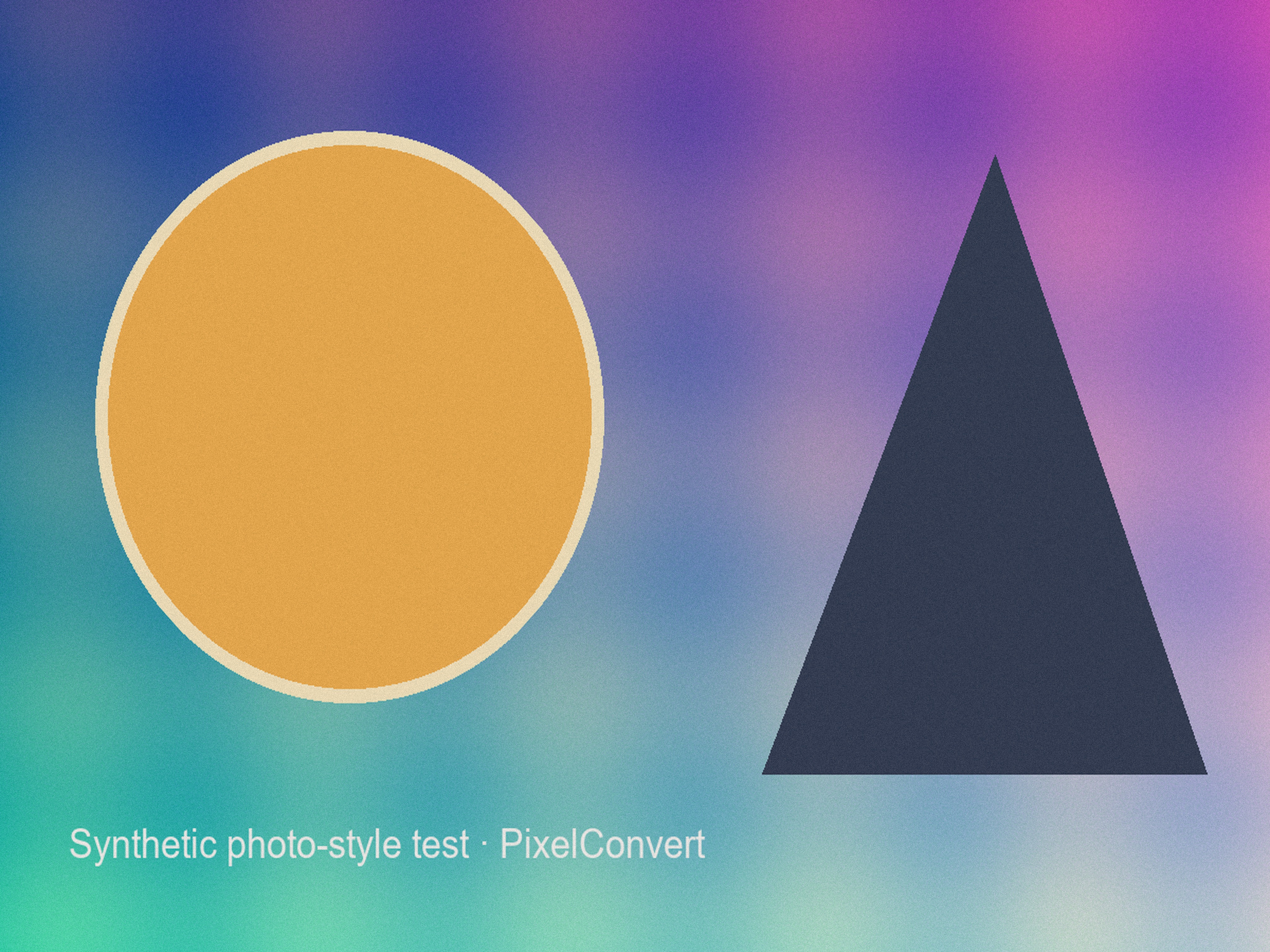
The source is a copyright-safe 4032×3024 synthetic phone-photo pattern. It contains gradients, shapes, text, and deterministic grain so readers can download and repeat the same request without uploading a personal photograph.
The 4032×3024 dimensions are not arbitrary — they are a common full-resolution output size for phone cameras, which makes the starting point representative of what people actually have when they hit this problem. The 204,800-byte ceiling is the byte value of a 200 KB limit read as 200 × 1024, the stricter of the two readings a form might intend.
The deterministic grain in the source deserves a note, because it makes this a deliberately hard case. Fine random noise is the content that compresses worst, since compression works by finding redundancy and noise has none. A smoother photograph would have reached the ceiling at a higher quality setting or without any dimension reduction at all.
What the production endpoint changed
The preparation API applied its bounded JPEG quality search. The original dimensions and available quality range could not meet 204,800 bytes, so fit mode reduced the image to 2016×1512 and selected quality 62. The final payload measured 204,424 bytes—376 bytes below the ceiling.
The server returned the warning code dimensions_reduced_for_size rather than hiding the resize. It also confirmed that the rebuilt copy did not copy the source EXIF/GPS block.
Two design decisions in that sequence are worth drawing out. The first is that the search reduces quality before it reduces dimensions, and only reduces dimensions when quality alone has been exhausted — so you keep your original pixel dimensions whenever the ceiling permits it. The second is that hitting 204,424 against a 204,800 ceiling means the search converged close to the limit rather than overshooting downward to be safe. A guess would typically have landed far below, throwing away quality that the limit did not require.
The warning code is the part that matters most for trust. A tool that resizes without saying so produces a file that satisfies the byte rule and may quietly violate a dimension rule the user also had. Reporting the change lets the user decide whether the trade was acceptable.
Why reducing dimensions beats crushing quality
When a byte ceiling cannot be met at full resolution, there are two levers: encode the same pixels more aggressively, or keep fewer pixels and encode them gently. When dimensions are not constrained, the second usually produces a better-looking result.
The reason is that JPEG artifacts are most visible at the scale of the compression blocks and around sharp edges. Pushing quality very low at full resolution produces an image full of visible blocking and ringing. Halving each dimension removes three quarters of the pixels before encoding, which means the encoder has far less data to fit under the same ceiling and can use a gentler setting — and the downscaling itself averages away some of the noise that made the file incompressible.
In this case the endpoint landed on half dimensions at quality 62. The alternative of keeping 4032×3024 would have required a quality setting low enough to produce obvious degradation across the whole frame. The halved image at quality 62 is the better artifact of the two, and it is still 2016×1512 — larger than most forms display.
This only holds when dimensions are free. If the form requires exact dimensions, the lever is gone and the quality setting must absorb the entire reduction, which is precisely when a request becomes infeasible.
How to judge the result
The byte count fell by about 96.1%, but that number is not a visual-quality score. Open the prepared copy at the size required by the destination and inspect faces, fine texture, text, and high-contrast edges. A different photo can require a different quality or dimension reduction.
Inspect at the size the image will be used, not at 400%. Every lossy image looks bad at high magnification, including ones that are entirely acceptable in use. A photograph that will be displayed 600 pixels wide in a form should be judged at 600 pixels wide.
Look specifically at the places where JPEG fails first: smooth gradients such as skies or walls, where blocking appears as faint square patches; high-contrast edges, especially text, where ringing appears as a halo; and areas of fine repeated texture such as hair, fabric, or foliage, where detail turns to mush. If those four look acceptable, the rest of the image will be fine.
Keep the source separately. The prepared copy is suitable for the stated upload rule, not a replacement for an archival or editing master. If a form permits a larger ceiling, use it to retain more detail.
Reproducing this measurement
Both files are downloadable below, and the request that produced the result is fully specified: target format JPEG, maximum 204,800 bytes, dimension mode fit, no dimension constraints. Sending the 5 MB source through the Upload-Ready Image Builder with those settings should reproduce the same output on the same code version.
If you get a different result, the likely reasons are a different encoder version, a different quality-search granularity, or a different interpretation of the byte limit. That is expected and is why the methodology names the library version. Measurements are reproducible against a stated configuration, not universal constants.
Running the same request against your own photograph is the more useful exercise. You will get different numbers — probably a different quality setting and possibly no dimension reduction at all — and those numbers will tell you what your file actually needs rather than what ours did.
What this case study does not prove
It does not prove that any 5 MB photo can reach 200 KB. It proves that this deterministic 4032×3024 source did, under these settings, with a dimension reduction. A photograph with more fine detail might need a larger reduction; one with a simpler composition might not need one at all.
It does not establish a compression ratio you can expect. Percentage-reduction claims are properties of a particular image and a particular starting point. A source that has already been optimised cannot be reduced by 96% again, and a tool advertising a fixed percentage is describing marketing rather than mathematics.
It does not say anything about how the result looks to you. Byte counts are objective and perceived quality is not. The measurement establishes that the tool met the stated constraint honestly and reported what it changed. Whether the output is good enough for your purpose is a judgement only you can make, by opening it and looking.
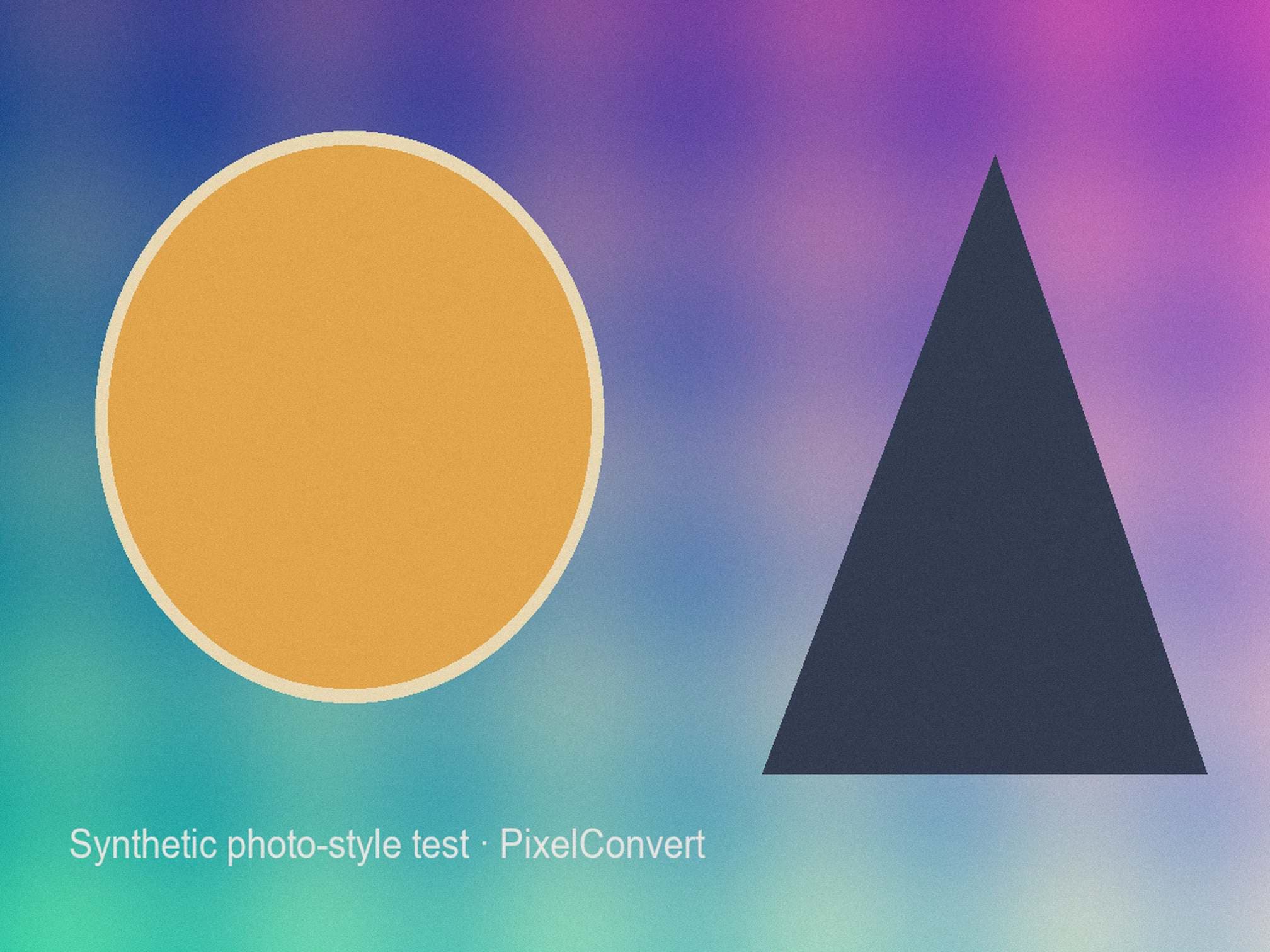
Actual output captured from POST /api/v1/prepare/process on 2 September 2026. Fit mode was allowed to reduce dimensions; the endpoint never exceeded the requested 204,800-byte maximum.
- Source
- 4032×3024 · 5,270,351 bytes
- Prepared
- 2016×1512 · 204,424 bytes
- Selected settings
- JPG quality 62 · fit mode
Reproduce the test
These deterministic PixelConvert files contain no personal photos or third-party artwork. Download them to repeat the measurements or test another workflow.
- Download the 5 MB synthetic source ↓
5,270,351-byte JPG at 4032×3024, encoded at quality 93.
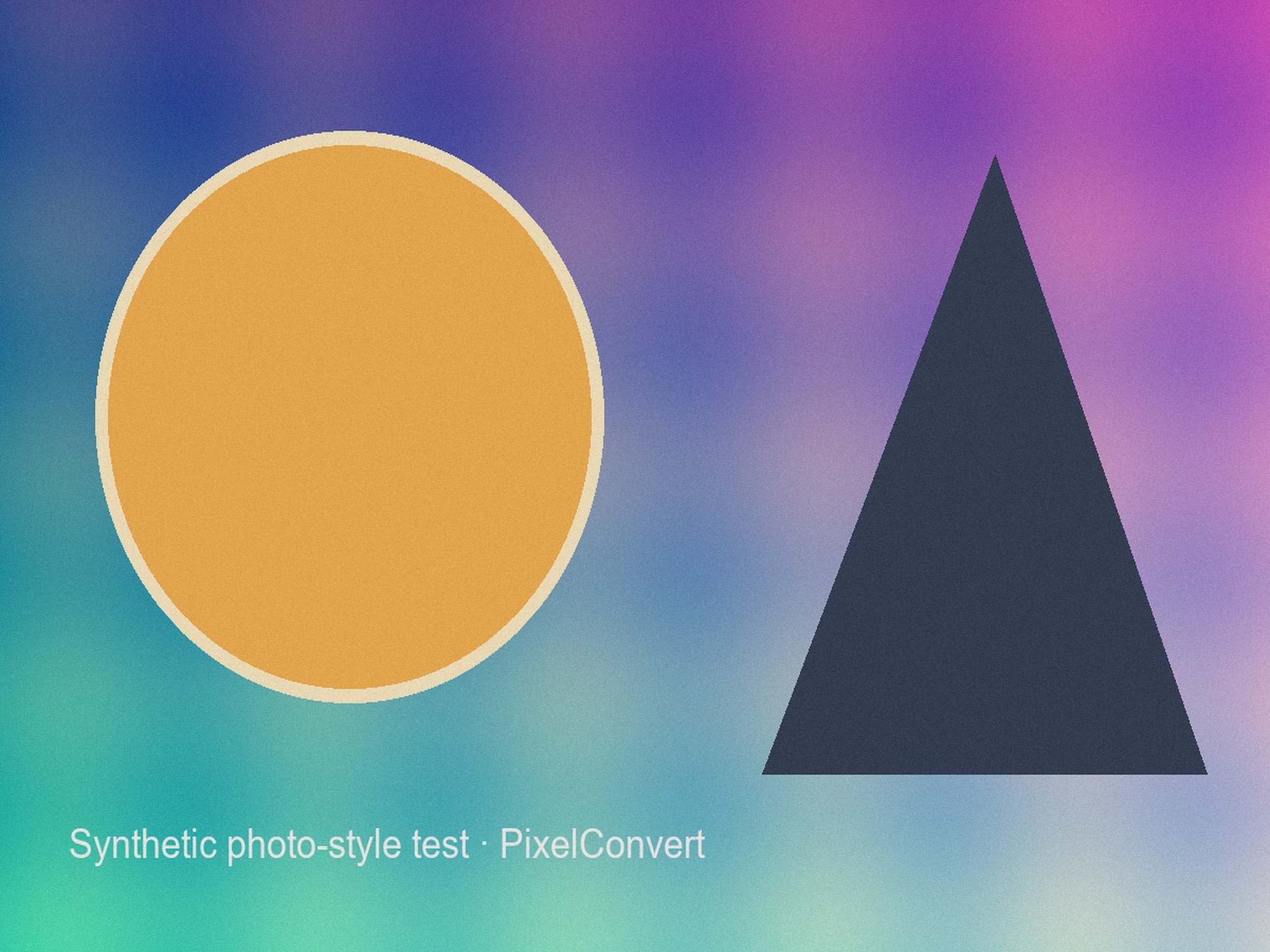
- Download the measured result ↓
204,424-byte JPG at 2016×1512, selected quality 62.
Browser and failure checks
- Production API contract
- Returned 200, 2016×1512 dimensions, 204,424 bytes, quality 62, metadata_removed=true, and dimensions_reduced_for_size.
- Current Chromium desktop
- The source passes local signature and dimension preflight; the completed card reports original and final measurements side by side.
- 390 px mobile viewport
- Requirement controls, warning text, measurements, and download action remain reachable without horizontal page overflow.
How this was tested
The source corpus was generated with Pillow 12.3 using deterministic seed 20260902. scripts/capture_prepare_case_study.py sent it to the running production Docker API with target_format=jpeg, max_size_bytes=204800, and dimension_mode=fit, then saved the returned payload and response-header measurements.
Read the full PixelConvert methodology →Limitations
- The synthetic scene represents a reproducible compression challenge, not every phone camera or subject.
- JPEG quality values are encoder-specific, and a 96.1% byte reduction does not mean 96.1% visual-quality loss or retention.
- GPS removal is verified by the server output policy; the synthetic source contains no personal GPS location.
- Reproducing the exact byte count requires the same encoder version and quality-search configuration named in the methodology.
Frequently asked questions
- Can any 5 MB photo be reduced to under 200 KB?
- Often, but not always, and not without trade-offs. This source needed both a quality reduction to 62 and a halving of its dimensions. A more detailed photograph might need more; a simpler one might need less. The only way to know is to run it.
- Does a 96% size reduction mean 96% of the quality is gone?
- No. Bytes and perceived quality are different measurements and are not proportional. Most of those bytes were spent on fine detail that is invisible at normal viewing size, which is exactly what lossy compression is designed to discard first.
- Why did the tool change my dimensions?
- Because the byte ceiling could not be met at the original size within the available quality range, and fit mode permits dimension reduction. The API reported the change with a warning code rather than performing it silently. In an exact-dimension request it would have failed instead.
- Should I reduce dimensions or quality to hit a size limit?
- Reduce dimensions first if they are not constrained. Removing pixels before encoding lets the encoder use a gentler setting on what remains, which usually looks better than crushing the quality of a full-resolution image.
- Will I get exactly 204,424 bytes if I try this?
- On the same code and encoder version, yes. A different encoder version or search granularity will land somewhere else nearby. Measurements are reproducible against the stated configuration rather than being universal constants.
- Is the prepared file good enough to replace my original?
- No. It is a derivative built to satisfy one form's rule, with metadata removed and detail discarded. Keep the original as your archive and treat the prepared copy as disposable.
Revision note: Reviewed 11 September 2026: added the reasoning behind the chosen ceiling and source dimensions, an explanation of why dimension reduction outperforms aggressive quality reduction, an inspection checklist, reproduction instructions, and an explicit statement of what the measurement does not establish. The captured measurements are unchanged from 2 September 2026.