Measured guide · in-house test data
PNG, JPG, and WebP: Which Image Format Should You Use?
The best format depends on the image and the destination. Photos tolerate different compression than screenshots; transparent logos need capabilities that JPEG does not provide; older upload forms may prioritize compatibility over smaller modern formats.
By Prashantkumar Kishanrao Sundge · Published · Reviewed
What this guide establishes
- Content decides the format, not a ranking. Photographs, flat graphics, and transparent artwork have genuinely different best answers.
- In our measured test the same 1200×800 scene was 826,866 bytes as PNG, 68,917 as JPG q85, and 26,774 as WebP q85 — but a flat-graphic test reversed PNG and JPG.
- JPEG cannot store transparency. Converting a transparent PNG to JPG flattens the alpha onto a background colour, permanently.
- Lossy re-saves accumulate. Each JPEG or lossy WebP save discards more; editing a JPG repeatedly degrades it every time.
- Keep a lossless master and generate delivery copies. The master is what lets you change your mind later.
The three formats in one paragraph each
JPEG is a lossy format designed for photographs. It exploits the fact that human vision is less sensitive to fine colour variation than to brightness, discarding information that is unlikely to be noticed. It handles smooth tonal gradients extremely well and sharp high-contrast edges poorly. It has no transparency support at all. Its compatibility is effectively universal — there is no realistic environment that cannot open a JPG.
PNG is a lossless format designed for graphics. It stores exactly the pixels you gave it and can always reproduce them precisely. It has full alpha transparency, meaning each pixel can be fully opaque, fully transparent, or anywhere in between. It compresses flat areas of uniform colour very efficiently and photographic noise very inefficiently. Compatibility is universal in any modern context.
WebP is a newer format that does both jobs. It has a lossy mode competitive with or better than JPEG, a lossless mode competitive with PNG, and it supports transparency in both modes — something neither of the older formats manages. It also supports animation. Its one real weakness is that it is newer, so some older software and some upload forms do not accept it.
Match the format to the content
Use PNG for sharp interface graphics, screenshots, or transparent artwork when lossless pixels matter. Use JPG for broadly compatible photographs where a controlled amount of loss is acceptable. Use WebP for modern web delivery when the destination supports it and smaller payloads matter.
Do not convert every asset to the format that won one test. A flat transparent logo and a noisy photo-style scene compress differently. Test representative content from your own project.
The underlying reason is worth understanding because it makes the rule memorable. JPEG's compression works by transforming small blocks of the image into frequency components and discarding the high-frequency ones. Photographs are mostly low-frequency — smooth gradients, gradual tonal shifts — so very little that matters is thrown away. A screenshot of text is almost entirely high-frequency: every letter edge is an abrupt jump from white to black. Discarding high-frequency information from text is discarding the text.
PNG compression works the opposite way, by finding repeated patterns and runs of identical pixels. A screenshot with large flat areas of one colour compresses enormously. A photograph, where almost no two adjacent pixels are identical, compresses barely at all — which is exactly what the measurement below shows.
Read measurements carefully
Our synthetic 1200×800 photo-style scene measured 826,866 bytes as optimized PNG, 68,917 bytes as progressive JPG quality 85, and 26,774 bytes as WebP quality 85. These values demonstrate encoder behavior for one deterministic scene, not universal ratios.
The transparent logo measured 11,839 bytes as PNG and 10,640 bytes as WebP quality 85. Its JPG copy grew to 20,404 bytes and required a white background because JPEG cannot represent the alpha channel.
Those two results together make the point better than either alone. On the photograph, PNG was twelve times larger than JPG. On the flat transparent logo, JPG was nearly twice as large as PNG — and it also lost the transparency. Any rule of the form 'format X is smaller' is wrong; the honest statement is that each format is smaller for the content it was designed for.
A third measurement from our upload-validation corpus reinforces this: a 1200×630 sharp-text graphic measured 33,657 bytes as optimized PNG and 49,875 bytes as JPEG quality 70. JPEG was larger despite being lossy and despite a fairly aggressive quality setting. Flat graphics with text are PNG territory.
Transparency is a capability question, not a preference
If your image has transparent or partially transparent pixels and it needs to stay that way, JPEG is simply not an option. This is not a quality trade-off you can tune with a slider; the format has no alpha channel to store the information in. A converter must composite those pixels onto some opaque colour, and whatever colour it picks becomes permanent in the output.
PixelConvert makes that colour an explicit choice on the PNG to JPG converter rather than silently defaulting to white, because the right answer depends on where the image is going. A logo destined for a white page should be flattened onto white. The same logo going onto a dark header should be flattened onto that dark colour. Flattening onto the wrong background produces a visible rectangle around the mark that is tedious to fix afterwards.
Partial transparency — antialiased edges, soft shadows, glows — is where this bites hardest. The semi-transparent pixels around the edge of a shape get blended with the background colour, so the edge is not just placed on the wrong background, it is fringed with it.
WebP is the format that resolves this tension: lossy compression comparable to JPEG while keeping the alpha channel. When the destination accepts WebP, a transparent image with photographic content has a genuinely good answer for the first time.
Generation loss: why repeated saves matter
Every time you save a JPEG, the encoder discards information. Saving an already-compressed JPEG again discards more, on top of what was already gone. This is generation loss, and it accumulates in a way that surprises people because a single re-save usually looks fine.
The practical scenario is ordinary: someone opens a JPG, crops it, saves it, sends it on; the recipient adjusts the brightness and saves again; someone else adds an annotation and saves a third time. After several rounds the edges around text and high-contrast detail visibly degrade, and there is no way to recover — each save's loss is permanent.
PNG has no generation loss. Saving a PNG a hundred times produces a hundred identical files. This is why a lossless working master is worth keeping even when the final delivery format is lossy: you edit the master and export a fresh lossy copy each time, so loss happens exactly once rather than once per edit.
The same reasoning applies to lossy WebP. It is an excellent delivery format and a poor working format, for exactly the same reason JPEG is.
Compatibility and where each format fails
JPEG works everywhere. This sounds like a trivial advantage until you meet a government upload portal, a hospital records system, or a piece of industrial software written in 2006, at which point it becomes the only advantage that matters. When a destination is old, unknown, or unhelpfully documented, JPG is the safe answer.
PNG is nearly as safe. Essentially every browser, operating system, and image application has supported it for two decades. The rare failures are in specialised print and publishing workflows that want TIFF or a CMYK format instead.
WebP is the one to check before using. Browser support is broad now, but upload forms are a different matter: a form's accepted-extension list is written by whoever built it and may not have been touched in years. If the form does not explicitly list WebP, assume it will be rejected. Similarly, some desktop applications, document editors, and email clients still handle WebP poorly, so it is a weak choice for a file you are sending to a person rather than serving from a website.
Preserve a suitable master
Keep an original or lossless master when future edits matter. Create delivery copies for websites, email, or forms. Repeated lossy saves can compound artifacts, while converting a lossy file to PNG cannot restore discarded information.
For a website, consider browser support, responsive dimensions, and caching as well as the encoded file type. For a form, follow its stated MIME type, extension, byte limit, and dimension rules exactly.
A workable discipline for a small project: keep masters in PNG or the camera's original format in one folder, and generate everything you publish into a separate folder. Never edit the published copies. When you need a change, go back to the master. This costs disk space, which is cheap, and saves you from the irreversible mistakes, which are not.
A decision procedure
Ask the questions in this order. Does the image need transparency? If yes, PNG, or WebP if the destination accepts it — JPEG is eliminated. Is the content primarily a photograph, with smooth tonal variation? If yes, JPG, or WebP for web delivery. Is the content flat graphics, a screenshot, a diagram, or text? If yes, PNG almost certainly produces both a smaller file and a better-looking one.
Then apply the destination constraint. If the destination explicitly lists accepted formats, that list overrides everything above — a better format that gets rejected is not better. If you are serving the image on your own website and control the markup, WebP with a JPG or PNG fallback gets you the smaller file without abandoning older clients.
And if you are unsure, encode it both ways and compare. It takes a minute, it produces an answer for your actual image rather than a general rule, and the measurements in this guide exist precisely because that is how the recommendations here were arrived at.
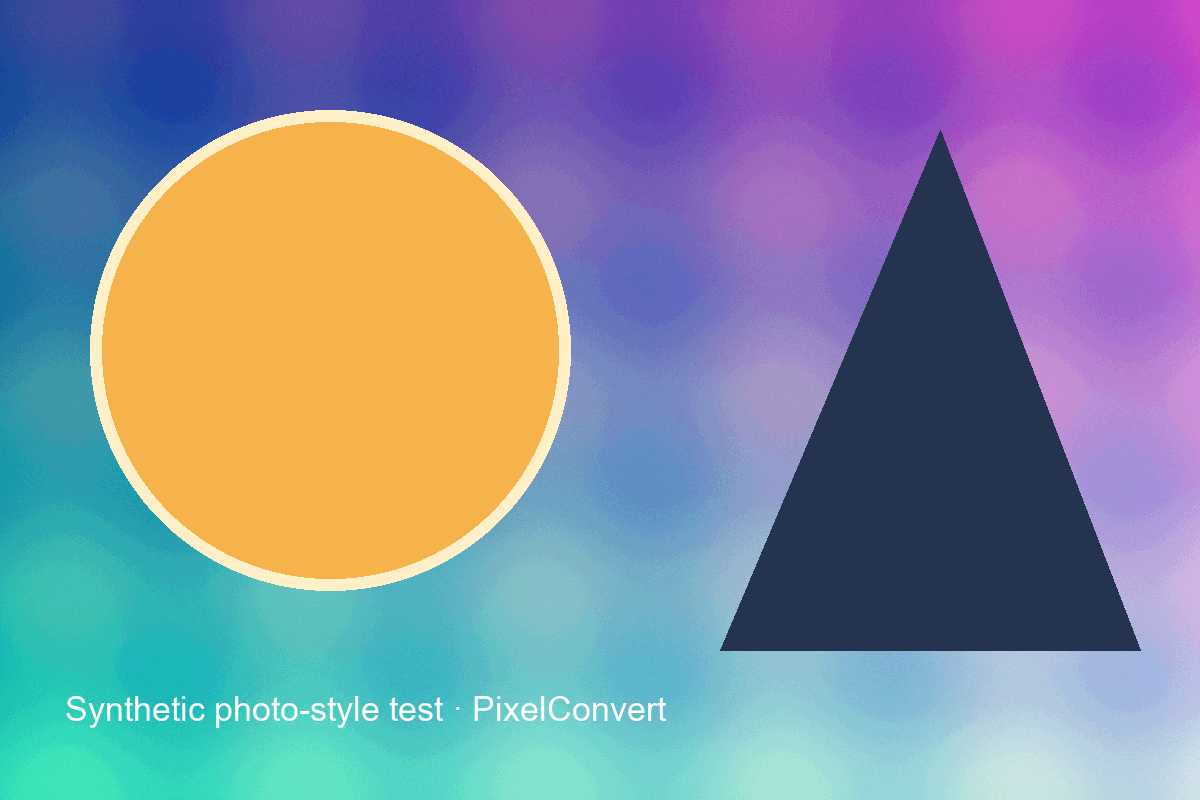
The deterministic 1200×800 photo-style test pattern used for all three encodes below.
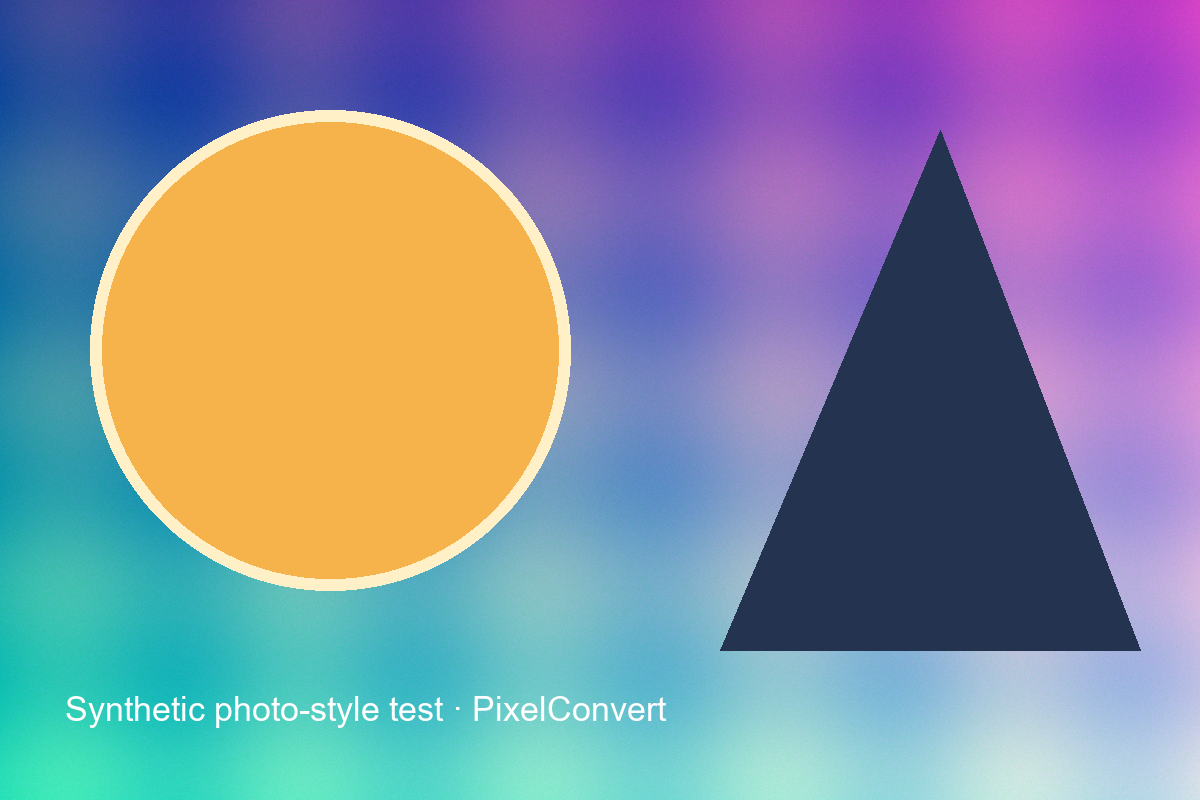
- Optimized PNG
- 826,866 bytes
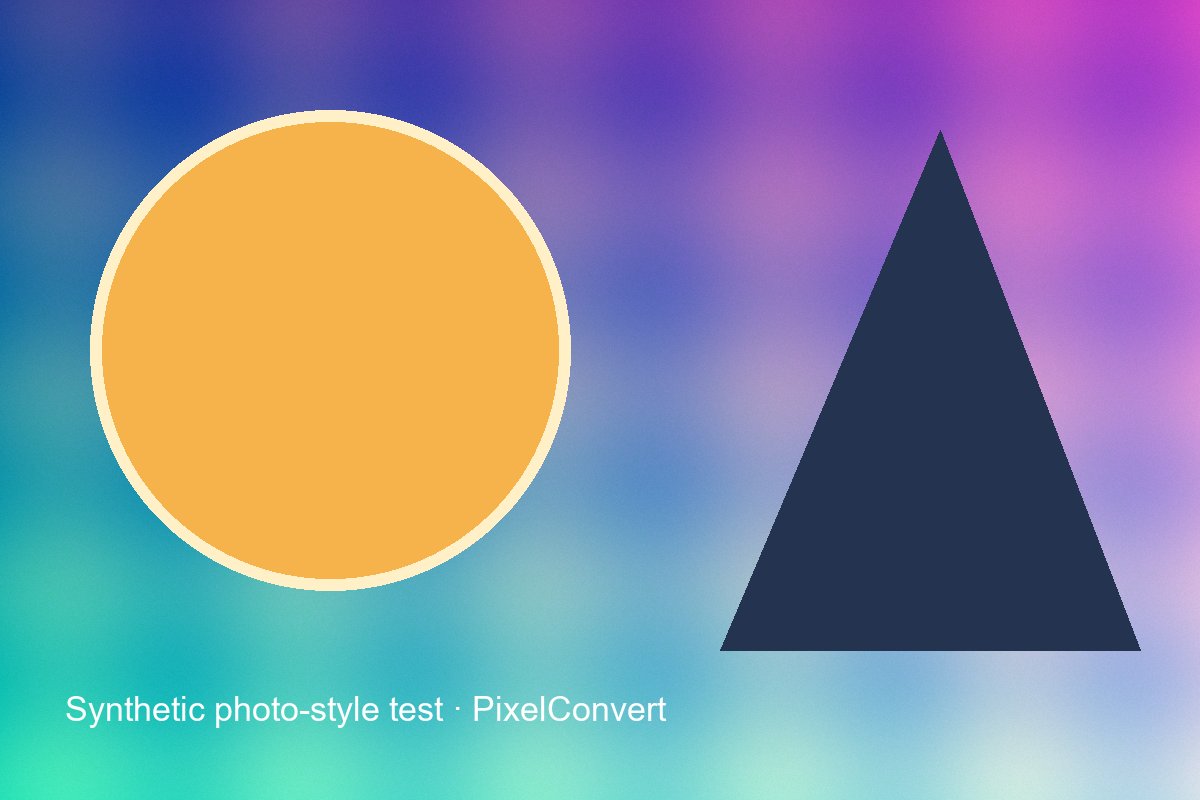
- JPEG quality 85
- 68,917 bytes
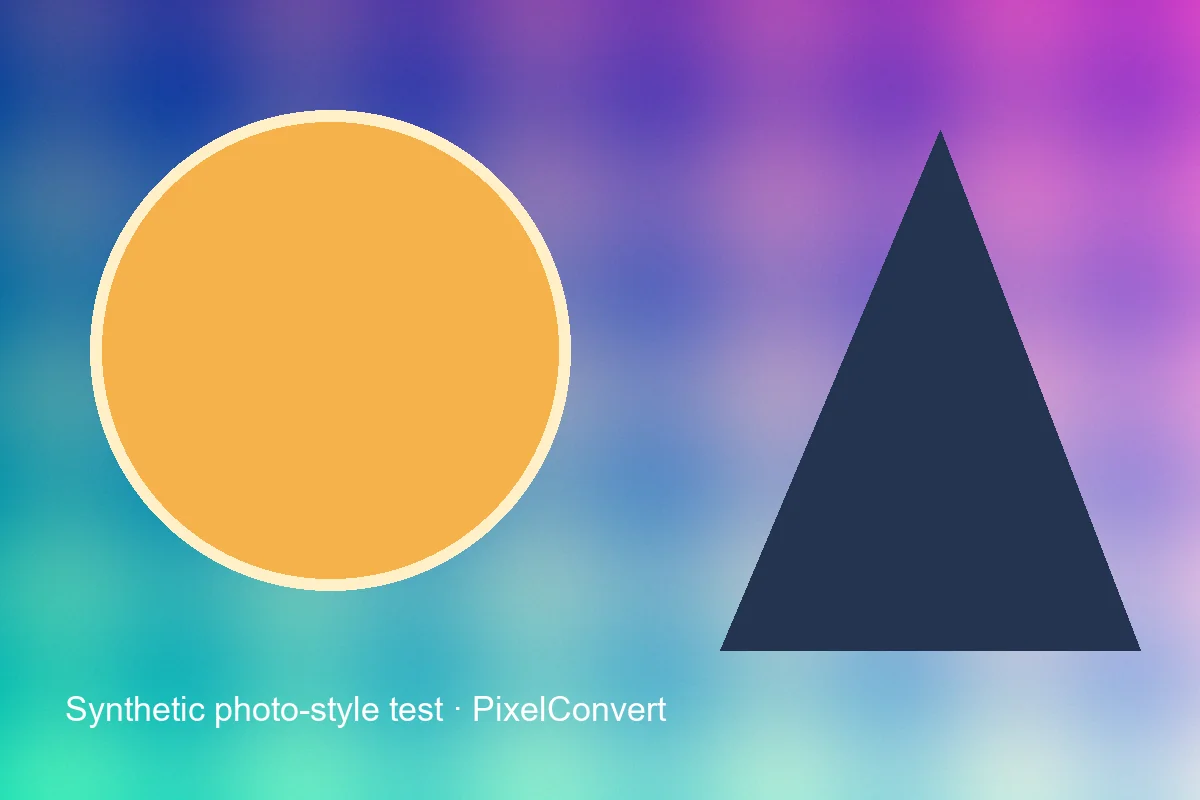
- WebP quality 85
- 26,774 bytes
Reproduce the test
These deterministic PixelConvert files contain no personal photos or third-party artwork. Download them to repeat the measurements or test another workflow.
- Download the PNG encode ↓
826,866-byte lossless encode of the synthetic photo-style scene.
- Download the JPG encode ↓
68,917-byte progressive JPEG at quality 85, identical pixels.
- Download the WebP encode ↓
26,774-byte WebP at quality 85, method 6, identical pixels.
Browser and failure checks
- Current Chromium desktop
- All three encodes render at 1200×800; the visual difference between the JPG and WebP copies is not obvious at normal viewing size despite the 2.6× byte difference.
- 390 px mobile viewport
- The comparison figures and byte measurements remain readable without horizontal scrolling.
- Counterexample check
- The separate sharp-text corpus reverses the ranking — 33,657 bytes as PNG against 49,875 bytes as JPEG quality 70 — confirming that no single format ordering holds across content types.
How this was tested
The exact same RGB pixel array was saved with Pillow 12.3 as optimized PNG, progressive optimized JPEG at quality 85, and WebP at quality 85/method 6. Dimensions were unchanged. No perceptual-quality score is claimed.
Read the full PixelConvert methodology →Limitations
- Quality values are encoder-specific and are not directly comparable between formats.
- A different photograph, illustration, or encoder can reverse the size relationship.
- The measurements use one encoder library at one version; other encoders produce different byte counts from the same input.
Frequently asked questions
- Which format is smallest?
- It depends entirely on the content. On our photographic test, WebP was smallest and PNG was twelve times larger than JPG. On our flat-graphic test, PNG was smaller than JPEG at quality 70. There is no format that wins universally.
- Is WebP always better than JPG?
- It is usually smaller at comparable quality and it supports transparency, which JPEG does not. But it is newer, so some upload forms, older applications, and email clients reject or mishandle it. For web delivery it is usually the better choice; for sending a file to an unknown destination, JPG is safer.
- Does converting a JPG to PNG improve its quality?
- No. PNG stores the decoded JPG pixels losslessly, including every compression artifact already present. It prevents further loss on subsequent saves but recovers nothing.
- What happens to transparency when I convert PNG to JPG?
- It is flattened onto an opaque background colour, permanently. PixelConvert asks you to choose that colour rather than assuming white, because the right choice depends on where the image will be placed.
- Why did my screenshot get bigger when I saved it as JPG?
- Screenshots are flat graphics with sharp text edges, which is the content type JPEG handles worst and PNG handles best. JPEG both enlarges the file and visibly degrades the text. Screenshots should be PNG.
- How many times can I re-save a JPG before it looks bad?
- There is no fixed number — it depends on quality settings and content. The reliable approach is to avoid the question entirely by keeping a lossless master and exporting a fresh JPG each time, so compression happens once rather than once per edit.
Revision note: Reviewed 11 September 2026: added format-by-format explanations, the frequency-domain reason behind the content rule, a transparency section, generation loss, compatibility failure modes, and an ordered decision procedure. All byte measurements are unchanged from the 2 September 2026 capture.